

Self-hosted deployment platform with built-in security
Connect a repository and every push is built, rolled out, audited and reversible in one click. It runs on your infrastructure. No telemetry; the only outbound request is an optional daily version check, which you can turn off.
Free core, source-available (Elastic License 2.0) · self-hosted · no telemetry
From a repository to production in three steps
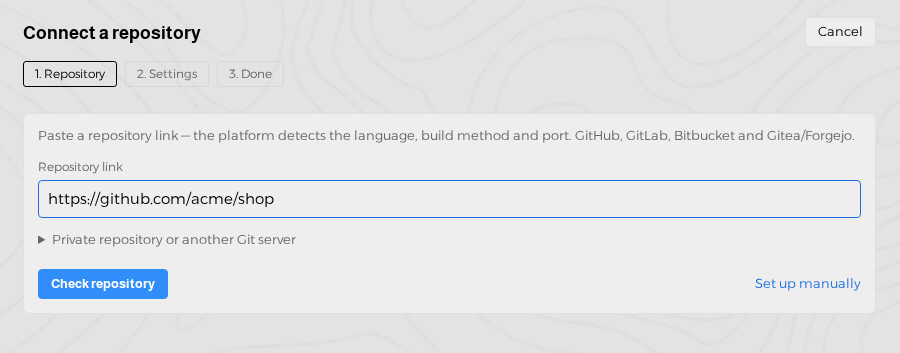
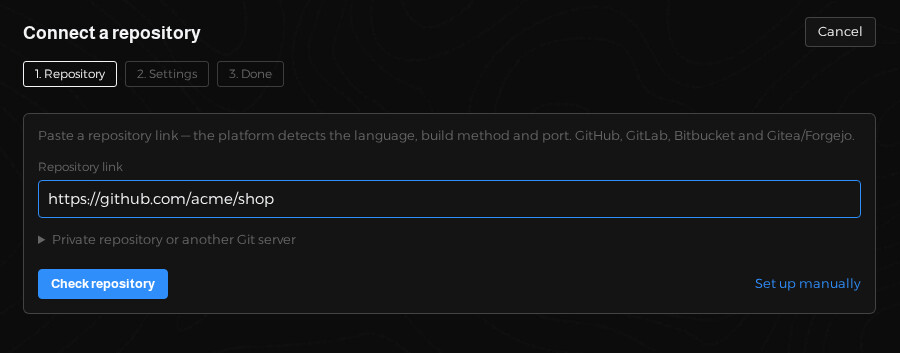
1. Connect
Paste a repository link. The platform detects the language, Dockerfile and port, and prepares the application.
2. Push
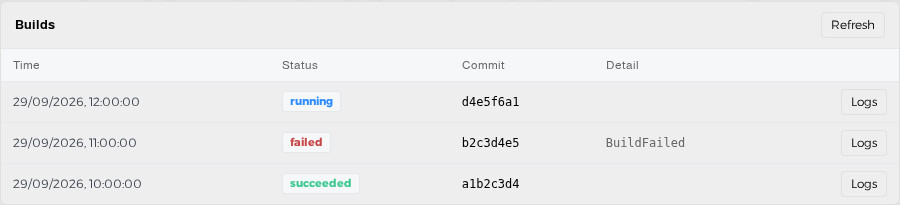
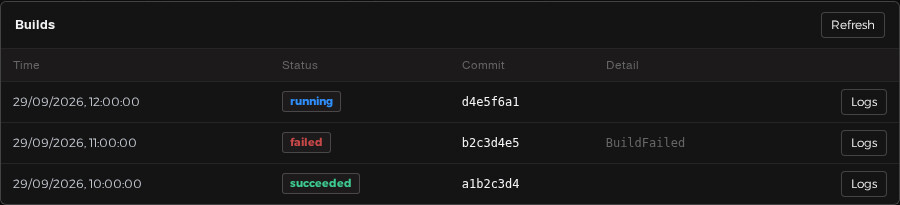
Every push to the environment's branch is built and rolled out. The old version serves until the new one is ready.
3. Roll back
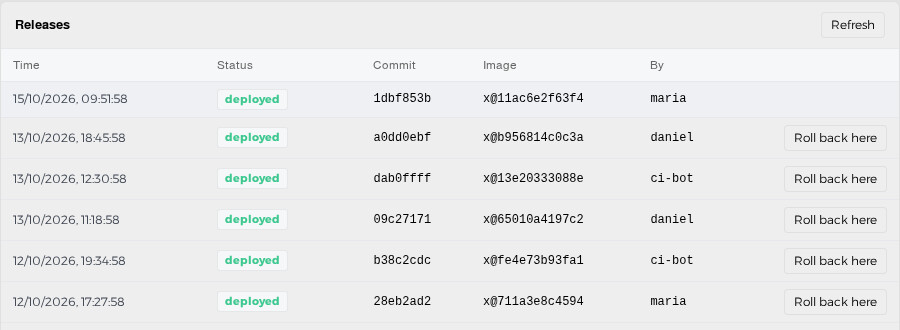
Something wrong? Return to any earlier release in one click, without rebuilding.
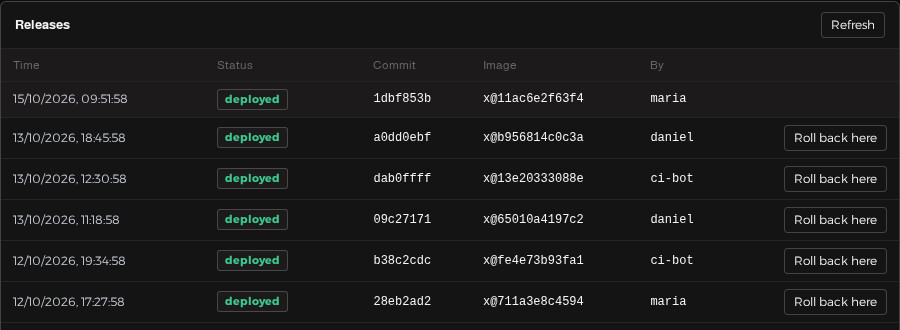
Everything a team needs to ship safely
Push to deploy
Dockerfile, a Dockerfile the platform suggests, or Cloud Native Buildpacks. GitHub, GitLab, Bitbucket, Gitea.
Failed rollouts do no harm
A release is deployed only when the application really started. On a crash the previous version stays in place and you see why.
Secrets that stay secret
Encrypted, versioned, never shown again. Import a .env file, set expiry and rotation reminders.
Tamper-evident audit
Every action in a hash chain. Search events in the Explorer and export to your SIEM.
Approvals and 2FA
A second person confirms risky deploys. Two-factor sign-in, SSO, roles per project.
Your infrastructure
Kubernetes or plain servers through an outbound-only agent. Your code and secrets stay in your network.
Know when it matters
Slack, Telegram and webhooks for failures, approvals and expiring secrets.
Offline licences
Keys are verified without calling home. If a licence ends, the free core keeps running.
See it working
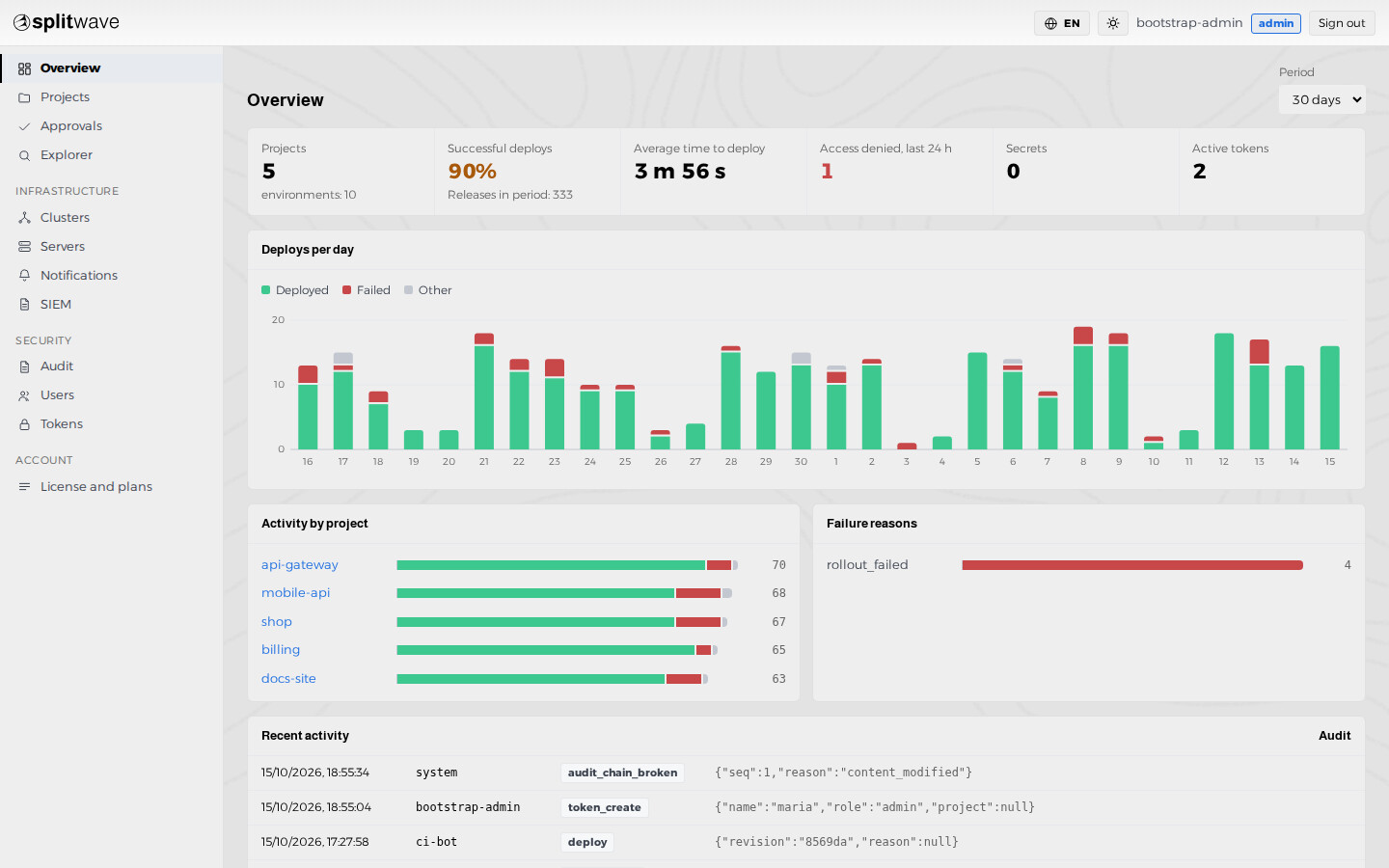
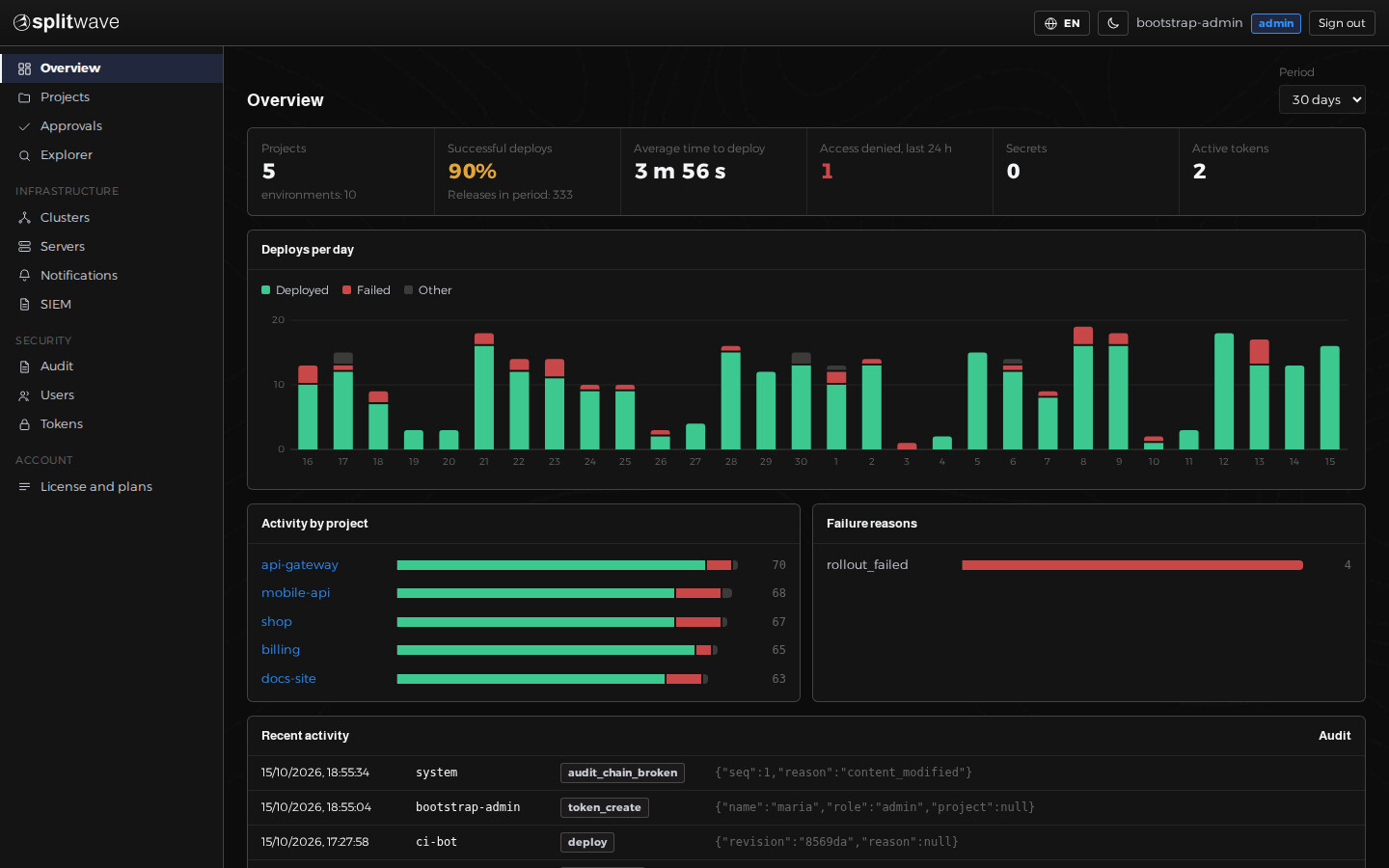
Overview: deploys per day, failures and recent events.
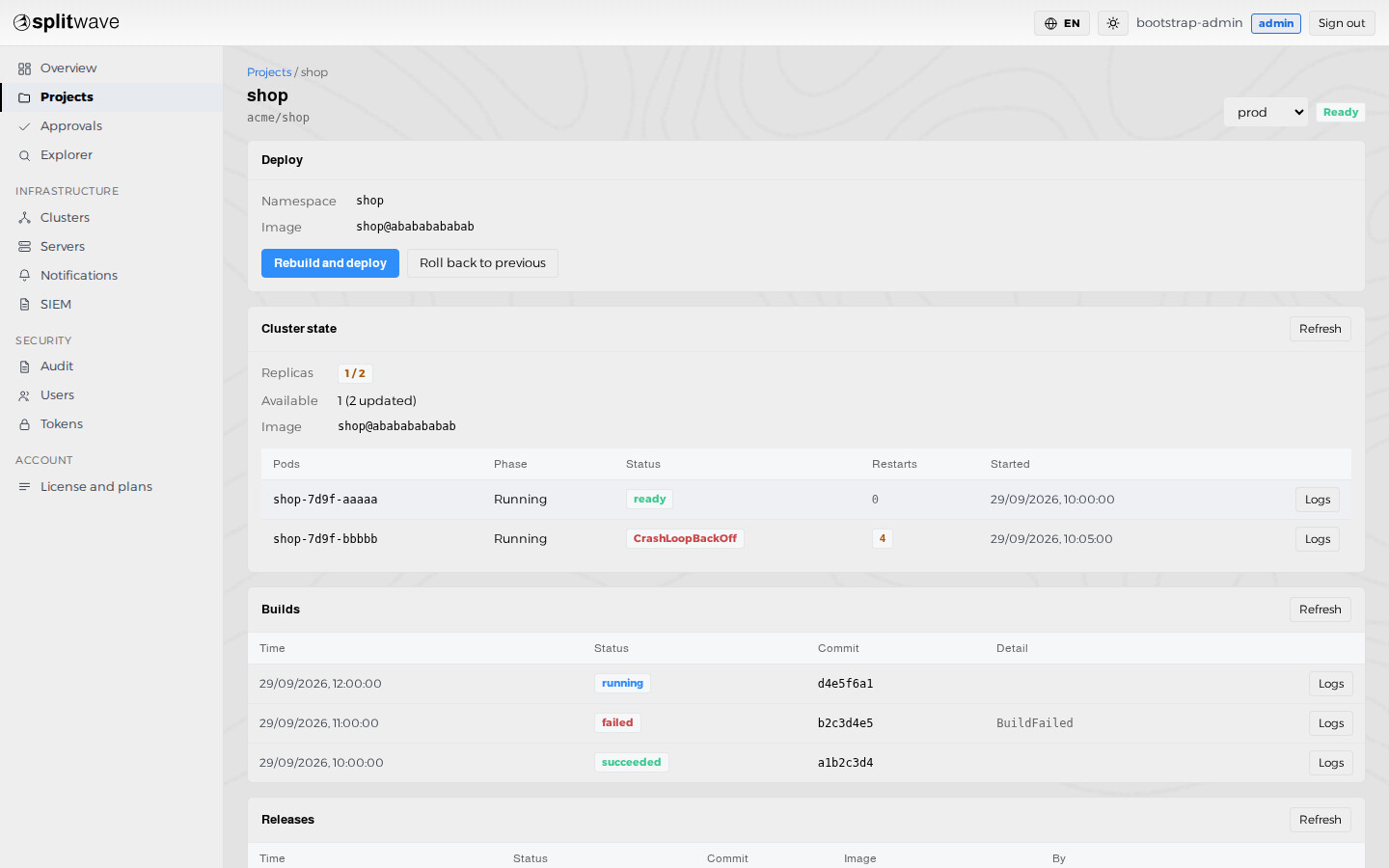
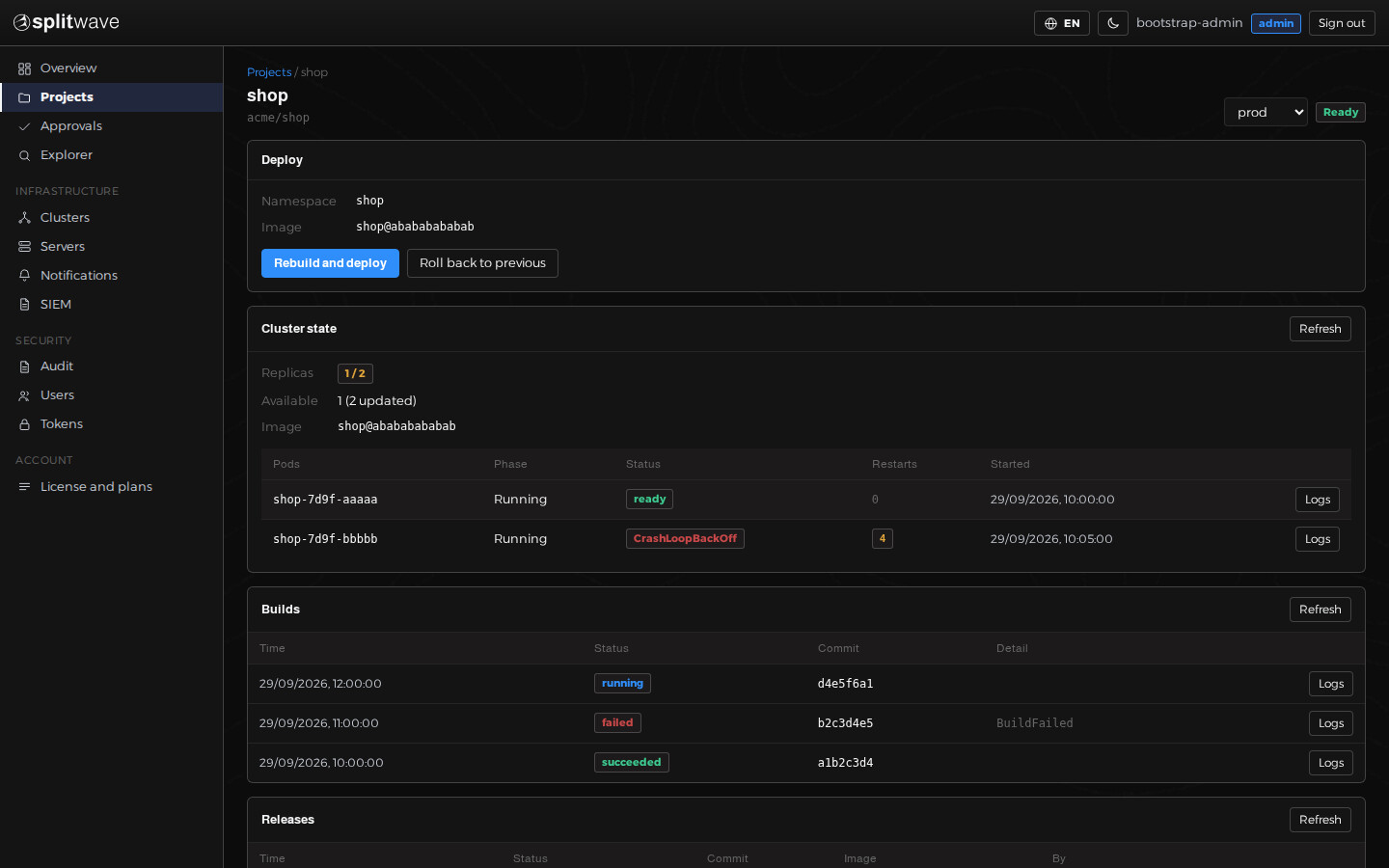
Project: cluster state, builds and releases.
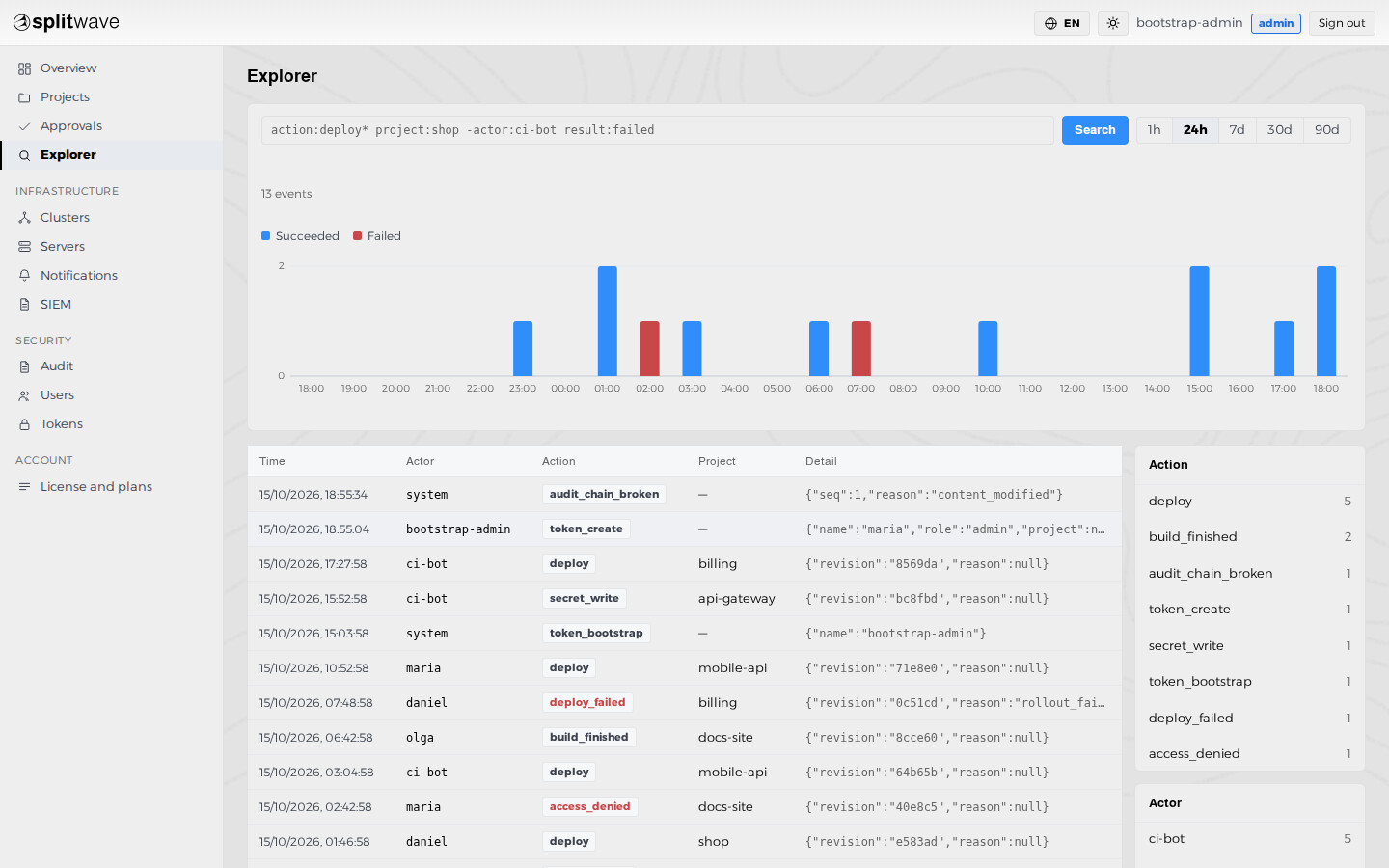
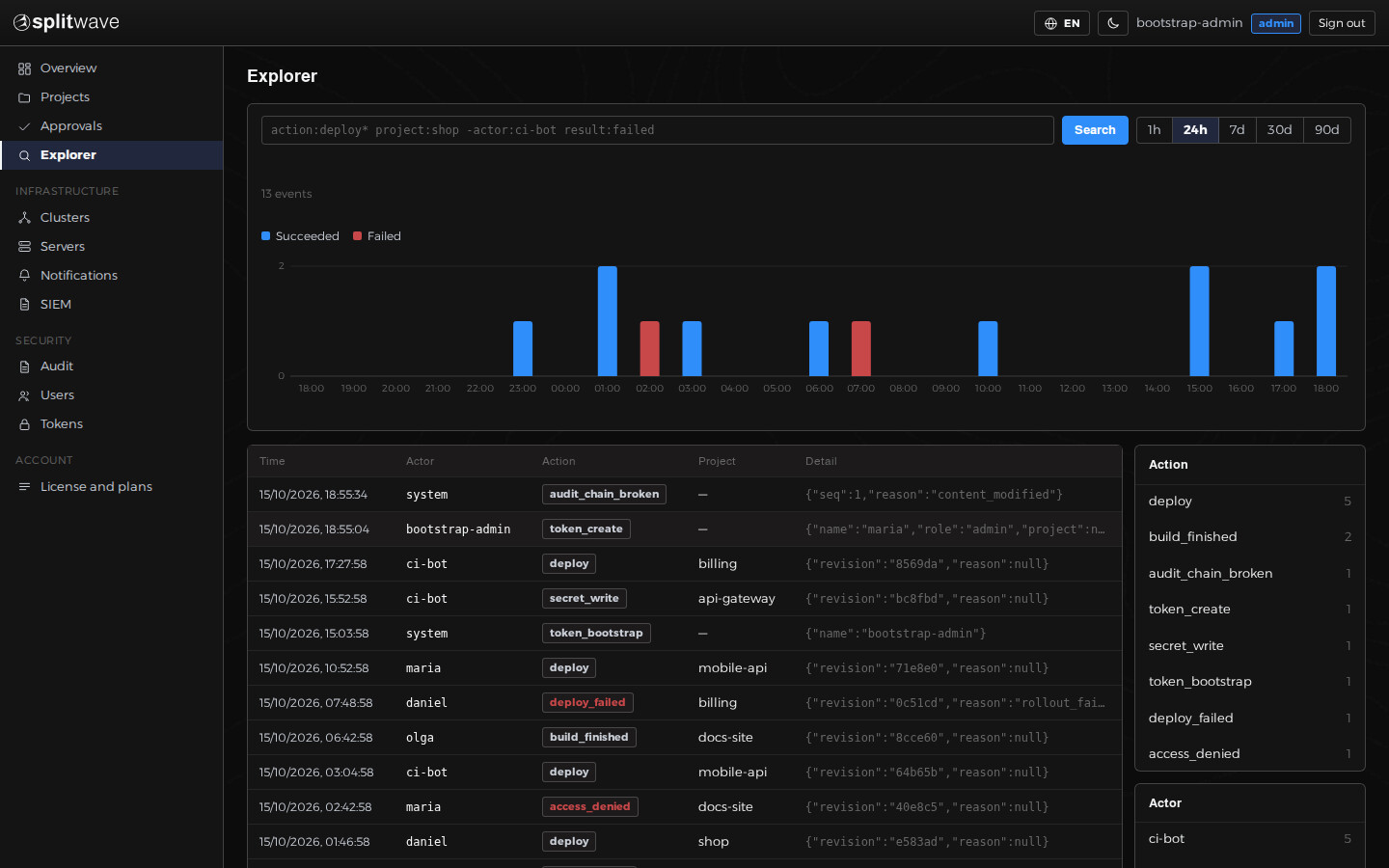
Explorer: find any event with a simple query.
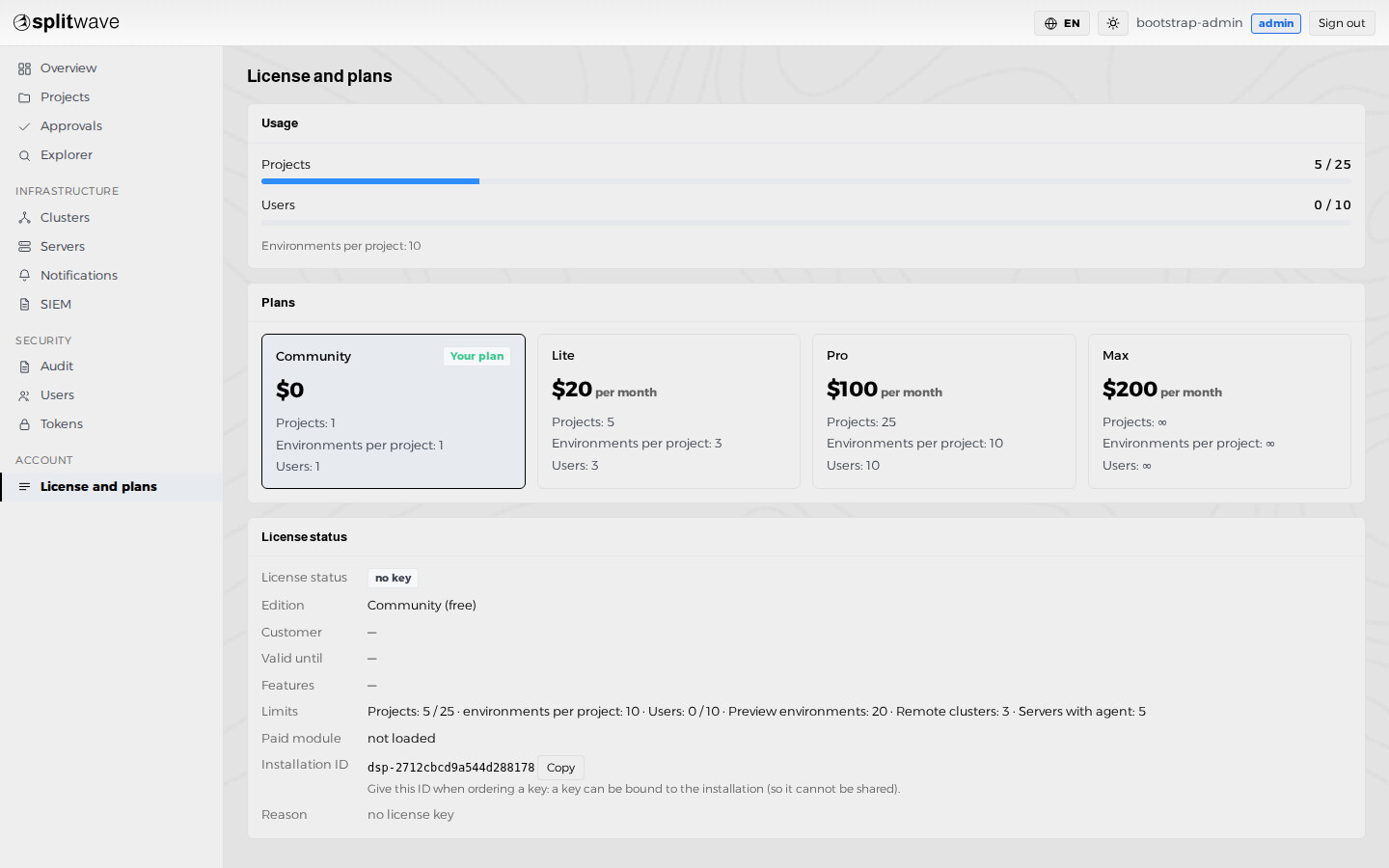
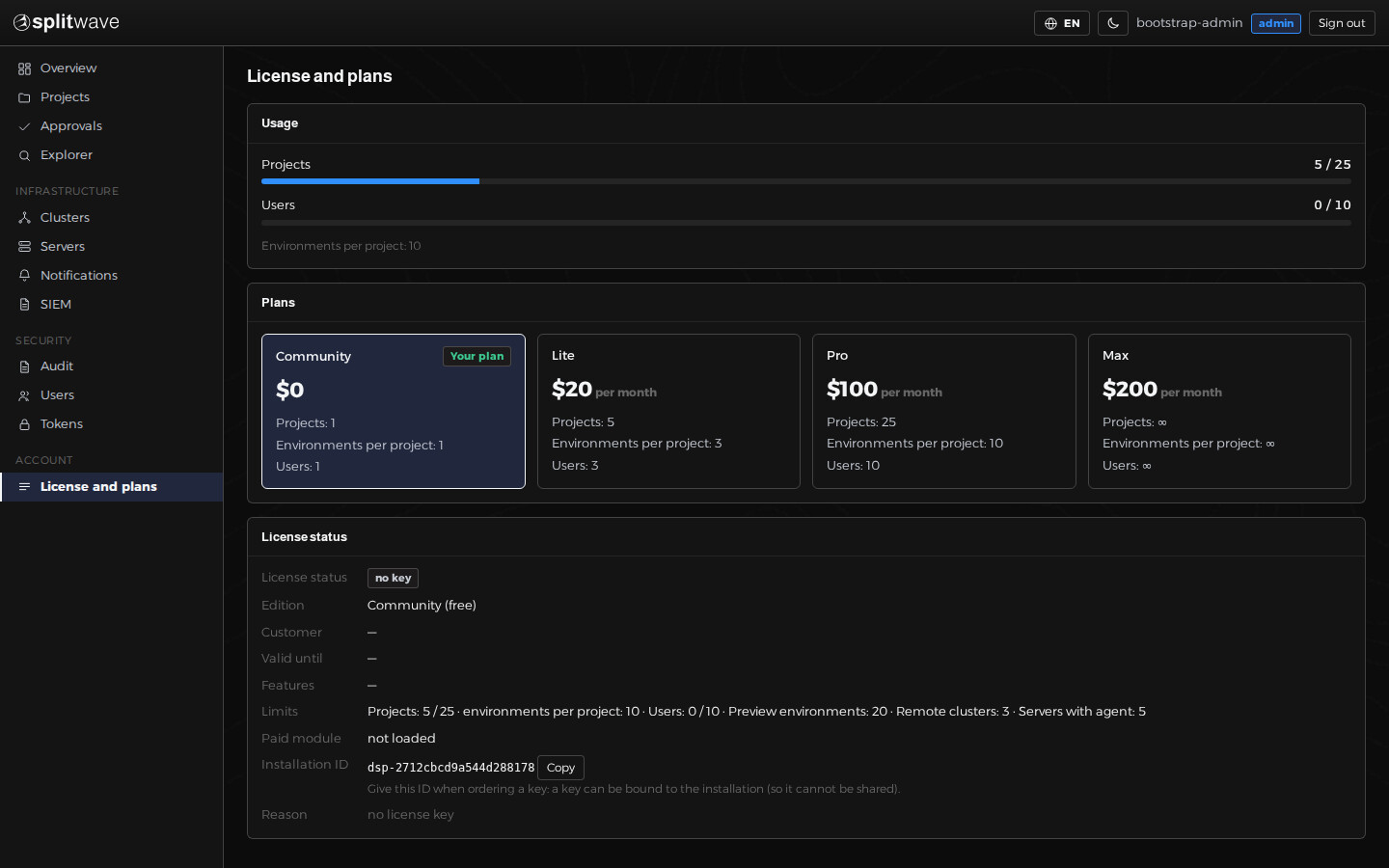
License and plans: limits and usage at a glance.
Security is built in, not bolted on
- Secrets encrypted at rest with a key you keep; masked in logs.
- Least privilege by default: the platform can only change an image unless you allow more.
- Application namespaces hardened: no service-account token, no extra capabilities.
- Outbound requests are guarded against SSRF; previews never receive production secrets.
- No telemetry.
Frequently asked questions
What exactly is free, and what is paid?
The core is source-available under the Elastic License 2.0 and free to run on your own servers, including for commercial projects (it may not be offered to others as a hosted or managed service, and the licence-key limits may not be circumvented): the repository wizard, builds, deployment, rollback, secrets, approvals, audit and notifications. Paid plans lift the limits on projects, environments and users and add pull-request previews, audit export, SSO, SIEM export, several clusters and servers with an agent. The exact split is on the pricing page and in the documentation.
Can I run it in production?
Yes, at your own responsibility. The software is provided as is, without warranty. Review it, test it on a non-critical environment first, keep backups of the database and of the encryption key, and do not rely on it alone for anything whose failure would cause serious harm. The terms spell this out.
Which systems does it run on?
The installer was tested on Ubuntu 22.04 and 24.04 and Debian 12. It does not depend on apt, so other modern 64-bit Linux distributions with systemd and a version of k3s that supports them should work, but we have not tested them. You can also install the Helm chart into an existing Kubernetes cluster. See the deployment guides.
Does the platform send data to you?
No. There is no telemetry, and licence keys are verified offline with a public key built into the product. This website stores only your account, your orders and your licence keys, as described in the privacy policy.
What happens when a paid licence expires?
The paid modules switch off and the installation continues as the free edition. Nothing is deleted. Administrator accounts, projects and environments keep working, but new ones cannot be created, only the first project and the first environment deploy automatically on a push, and accounts with other roles have no access until a key is installed again.
How are secrets protected?
They are encrypted in the database with a key that you keep, released only into a Kubernetes Secret at deploy time, never returned by the API and masked in logs. Losing the encryption key means the stored secrets cannot be recovered, so keep a copy outside the server.
How is support provided?
SplitWave is developed and maintained by Abzal Gabdullin, with testing and reviews by the Koratech team. There is no live support: no chat, no phone, no guaranteed response time. Problems are handled through bug reports, which are reviewed on a best-effort basis. Paid customers' reports are looked at first. Read the support policy before you buy.
What is your liability if something goes wrong?
The software is provided as is. The provider is not liable for indirect losses, lost data, downtime or lost profit, and any liability is limited to the fees you paid for the licence in the preceding 12 months, to the extent the law allows. You remain responsible for your environment, backups and the applications you deploy. See the offer and the terms.
Can it run without internet access?
Licence keys are verified offline, so a licence works without contacting us. The installer itself downloads k3s, Helm and the platform image from the internet, and building applications needs access to your Git host; a fully isolated installation is not documented yet.
How are security problems handled?
Report them privately as described in the security policy. Fixes are published in new releases; only the latest release is supported.
Ship with confidence
Install in minutes, keep full control.